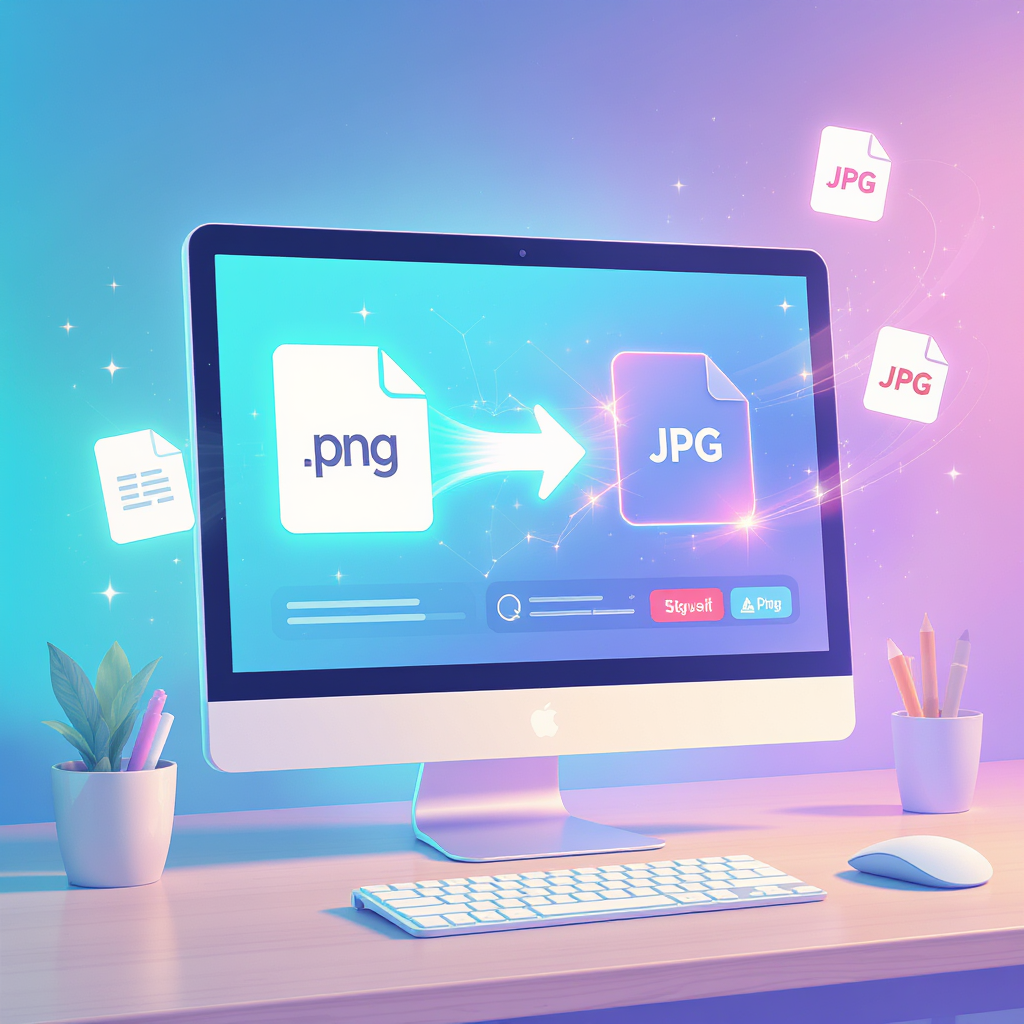
If you’ve ever waited for a page to load and felt that tiny surge of impatience, your visitors have too. Heavy PNG files are often the silent culprit. Learning exactly how to minimize PNG file size isn’t just a “developer thing” anymore—it’s a growth hack for marketers, designers, shop owners, and anyone who wants their content actually seen.
Welcome to a viewer-first, human-centered walkthrough of FreeTinyPNG: the no-fuss, free, browser-based PNG compressor online that does the heavy lifting for you—and even hands you multiple optimized formats at once.
Why You’re Here (and Why This Matters)
- You want speed. Every extra second your page takes to load hurts conversions and search rankings.
- You need simplicity. You don’t have time to learn a complex Photoshop export workflow.
- You care about quality. You still want those crisp details in your graphics and screenshots.
This guide will show you exactly how to compress a PNG in a few clicks and how to embed the habit into your everyday workflow.
Meet FreeTinyPNG: The Friendly Workhorse
FreeTinyPNG is a truly plug-and-play image compressor PNG online. Just drag, drop, and download—no account, no credit card, no hidden paywalls.
Here’s what makes it stand out:
- Zero friction: Instant use, right in your browser.
- Batch support: Drop a handful (or two) of images in one go.
- Smart compression: Visual quality stays high; file size drops like a rock.
- Privacy-respectful: Files are deleted shortly after processing.
It’s the type of PNG optimiser you’ll actually remember to use—because it takes less time than making coffee.
One Upload, Three Optimized Outputs (Yes, Automatic!)
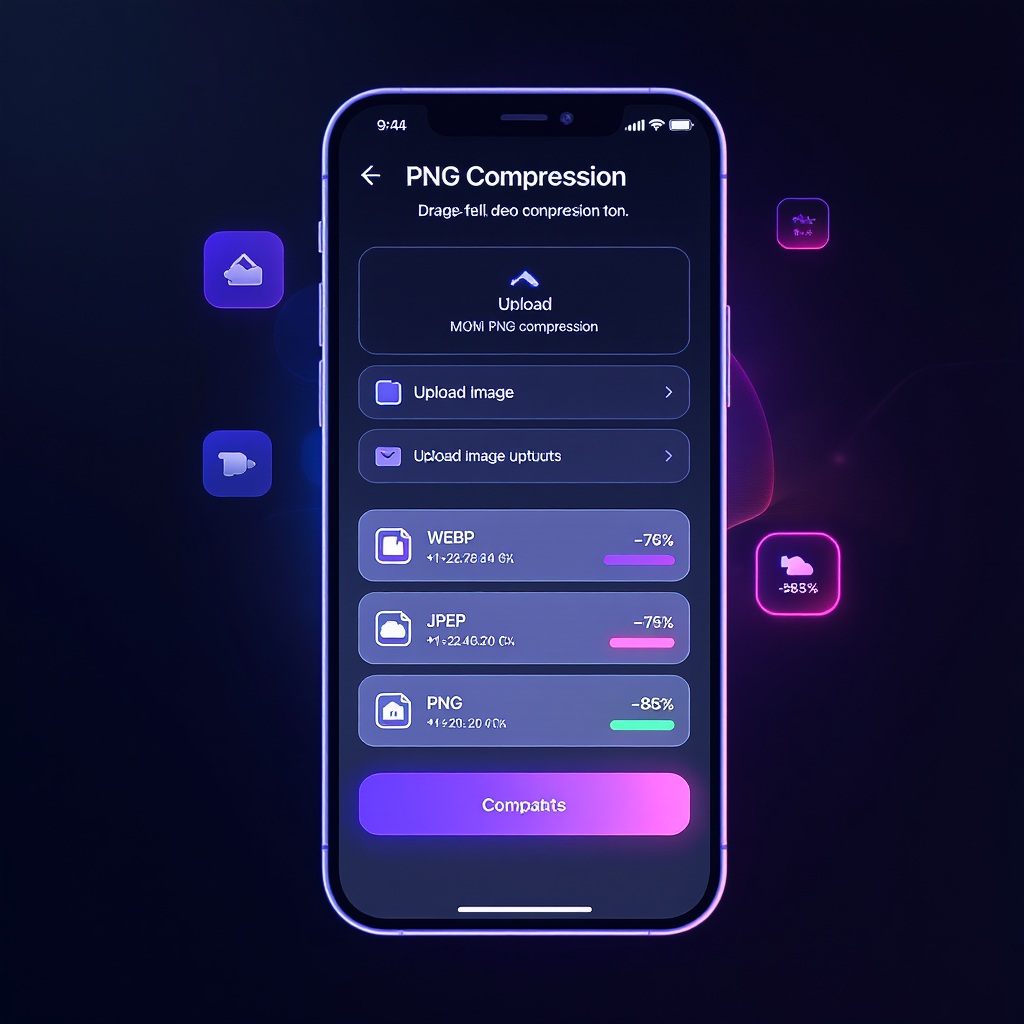
Here’s the part most tools don’t give you: with a single upload, FreeTinyPNG auto-generates three compressed versions of your file—WEBP, JPEG, and optimized PNG.
Why that’s a game changer:
- WebP is ideal for modern browsers and blazing page speed.
- JPEG can still be a great choice for email newsletters and social platforms.
- PNG remains perfect for transparency and UI elements.
You don’t have to decide beforehand. Upload once, then pick the best format later. That’s the beauty of a smart image compressor PNG.
Real-World Benefits: Why You Should Shrink PNG Online Today
Speed isn’t just a vanity metric—it’s money, reputation, and user happiness:
- Better SEO: Search engines reward fast pages. Optimizing images with a PNG compressor online can nudge you up the rankings.
- Happier users: Fast sites reduce bounce rate and boost conversions.
- Lower bandwidth costs: Slim files = fewer server resources.
- Easier sharing: Emails and chat tools often cap file sizes—shrink PNG online and you’re good to go.
Step-by-Step: How to Compress a PNG with FreeTinyPNG
Let’s keep it ridiculously simple. Here’s exactly how to compress a PNG in under a minute:
1. Go to FreeTinyPNG
Open the site—your go-to image compressor PNG online.
2. Upload Your Image(s)
Drag and drop, or click the upload area. PNGs, JPGs—toss them in. FreeTinyPNG will handle them.
3. Watch the Magic
Sit back. This PNG compressor online automatically crunches the file size without the visual pain.
4. Download the Versions You Need
You’ll get compressed PNG, JPEG, and WebP options served up on a platter. Pick one, or grab them all.
Pro tip: If you manage a lot of images, get in the habit of running them through FreeTinyPNG as part of your upload routine. Make it muscle memory.
Under the Hood: How This PNG Optimiser Preserves Quality
“What’s actually happening to my image?” Great question.
FreeTinyPNG uses:
- Color palette optimization: Removes redundant colors your eyes won’t notice.
- Metadata stripping: Deletes camera info and hidden data you don’t need online.
- Smart lossy compression: Carefully tweaks pixel data for serious size cuts with minimal visual change.
In plain English: it keeps the image looking the same to your visitors, but saves you precious kilobytes (or megabytes). That’s the whole point of a modern PNG optimiser.
Who Needs an Image Compressor PNG?
Short answer: basically everyone who publishes visuals. But let’s be specific:
E‑commerce teams
Product photos must be crisp and fast. Convert once with an image compressor PNG and your PDPs (product detail pages) fly.
Bloggers & content marketers
You fought hard to bring readers in—don’t lose them to a spinning loader. Shrink PNG online and your long reads stay sticky.
Photographers & designers
Portfolios with 3MB hero images are a vibe… until someone opens on mobile. Keep the beauty, ditch the bulk.
Developers & agencies
PageSpeed Insights breathing down your neck? Catch it early; set FreeTinyPNG as a pre-launch checklist item.
Advanced Tips: Really Minimize PNG File Size Like a Pro
Use FreeTinyPNG as your foundation, then level up with these tactics:
- Responsive images are your friend. Pair compressed files with
srcsetandsizesso browsers only download what they need. - Embrace modern formats. Use the provided WebP where possible—and serve PNG as fallback.
- Automate the boring stuff. If you deploy often, integrate an image optimization step into your CMS, CI/CD pipeline, or build scripts. Even though FreeTinyPNG is manual, it can be the reference tool in your process.
- Keep originals. Always store the full-res version somewhere safe. If you need to re-export, you’re covered.
The habit of regularly reaching for a trusted image compressor PNG means your performance stays sharp month after month.
FAQ: All Your "How to Compress a PNG" Questions, Answered
Does compression ruin my image?
Nope—quality loss is usually invisible. The tool focuses on what the human eye can’t detect.
How many images can I upload at once?
Plenty. FreeTinyPNG is great for batch uploads when you’re on a content sprint.
Is it safe to use a PNG compressor online?
Yes. FreeTinyPNG processes files securely and removes them from the server shortly after.
Can I use it for formats other than PNG?
You bet. You’ll automatically get WEBP and JPEG versions, and the tool still acts as a high-quality image compressor PNG online.
Ready? Try the Best Image Compressor PNG Online Now
Still here? You’re seconds away from faster pages and happier users. Open FreeTinyPNG—the most straightforward PNG optimiser you’ll find—and start shaving off megabytes right now.
Final Thoughts: Don’t Let Heavy PNGs Hold You Back
You now know exactly how to minimize PNG file size and why it matters. Build the habit. Tell your team. Drop FreeTinyPNG into your workflow. Your site (and your audience’s sanity) will thank you.
Need a starting point? Just shrink PNG online with your heaviest images today—and feel the difference the next time you load your own site from your phone.
Have more assets to optimize—JPGs, GIFs, even PDFs? Build a tiny optimization checklist and keep FreeTinyPNG in the first slot. Simple, effective, repeatable.